Making Forms Using Technology~ Foldify
Forms can be hard for students to understand. Some students have the spatial understanding while others do not. When I first came to KIS I collaborated with the IT teacher to have the students create Paper Critters on their website. The website is a great for students to see the translation from 2D to 3D. Then in art class students would learn about form and use the Paper Critters as a starting point.
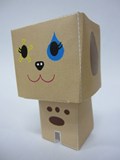
After making the paper critters students had to attempt to make their own paper craft or use a template to design one by hand. Since students already had experience drawing their critter on the template online, drawing by hand on the correct sides became easier.
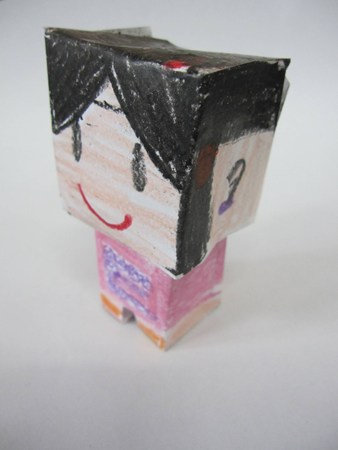
Now there is a new iPad app out called Foldify that lets you choose from a variety of starting shapes and then print the template. I have been waiting for this!!
Tonight I have a very long stretch of flights so I will play around with creating my own paper craft from it. Thus far I have not had access to a printer so I can’t speak from experience with printing. What a great way to further show students the translation of 2D to 3D.

I will be sharing it today with my students on Edmodo, so that they have something creative to do over break.
 Traveling Art Teacher
One Response to “Making Forms Using Technology~ Foldify”
What a cool lesson! I have been searching for apps to use with my students on the iPad that are relevant and meaningful. (Most of what I have found tend to be simple drawing programs.) This project fits in perfectly with the curriculum and looks like something that is very engaging. What kind of paper did you print on?